
Make and Model Support
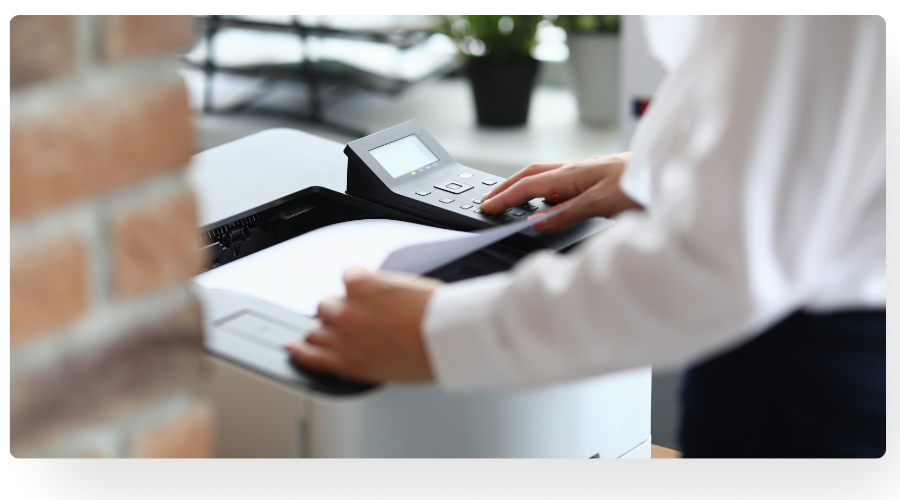
Coreza Print supports over 6000 models of printers and copiers.
That’s a lot of printers. Coreza Print make and model support uses the manufacturer configurations to drive advanced finishing, security and accounting features on all models without the need to install additional software on the copiers – easy!
Administrators also get to choose who can use this functionality:
– The HR department always has secure print enabled.
– Staff can staple, but students are forbidden to.
– You get the idea…












HL, DCP and MFC Color and Monochrome Lasers
- Canon Department ID & PIN Login (copier login)
- Banner pages
- All advanced finishing:
- Input/output Tray selection
- Finisher integration
- Media size selection
- Media weight selection
Imagerunner & other models 2
- Canon Department ID & PIN Login (copier login)
- Document hold using email / login address
- Mailbox hold by mailbox number or name
- Secure (PIN release) printing
- Banner pages
- All advanced finishing:
- Input/output Tray selection
- Finisher integration
- Staple
- Punch
- Booklet
- Fold
- Media size selection
- Media weight selection
Laserjet, Laserjet Pro, Some Deskjet models (contact us), plus hundreds of Legacy models.
- Locked print (Secure print with PIN) – where supported by the hardware.
- Banner pages
- All advanced finishing:
- Input/output Tray selection
- Finisher integration
- Media size selection
- Media weight selection
All Bizhub models
- Konica Account tracking
- Konica User authentication (copier login)
- Secure (PIN release) printing
- Locked print(Secure print with PIN)
- Account codes
- Account tracking
- Banner pages
- All advanced finishing:
- Input/output Tray selection
- Finisher integration
- Staple
- Punch
- Booklet
- Media size selection
- Media weight selection
Taskalfa copiers and other models.
- Kyocera Accounting (KJobManager code)
- Kyocera document box secure printing
- Banner pages
- All advanced finishing:
- Input/output Tray selection
- Finisher integration
- Staple
- Punch
- Booklet
- Media size selection
- Media weight selection
CX, CS, MX, MS models and others
- Locked print (Secure print with PIN)
- Banner pages
- All advanced finishing:
- Input/output Tray selection
- Finisher integration
- Media size selection
- Media weight selection
IM Cx, EcoSys, P and SP Series and other models
- Hold print
- Locked print (Secure print with PIN)
- User-code support (copier login)
- Banner pages
- All advanced finishing:
- Input/output Tray selection
- Finisher integration
- Staple
- Punch
- Booklet
- Media size selection
- Media weight selection
ComColor FT/GL series
- Locked print (Secure print with PIN)
- Banner pages
- All advanced finishing:
- Input/output Tray selection
- Finisher integration
- Media size selection
- Media weight selection
CLX series and other models
- Locked print
- Banner pages
- All advanced finishing:
- Input/output Tray selection
- Finisher integration
- Media size selection
- Media weight selection
MX Series and others over 500+ models supported
- Locked print: Secure print with PIN
- Locked print with Sharp Security Kit
- Sharp ‘User Number’ codes
- Banner pages
- All advanced finishing:
- Input/output Tray selection
- Finisher integration
- Staple
- Punch
- Booklet
- Media size selection
- Media weight selection
E-studio series and other models.
- Department codes
- Private print
- Banner pages
- All advanced finishing:
- Input/output Tray selection
- Finisher integration
- Staple
- Punch
- Booklet
- Media size selection
- Media weight selection
Versalink, Altalink, Colorqube and other models
- Xerox Standard Accounting
- Xerox Secure print (PIN release)
- Banner pages
- All advanced finishing:
- Input/output Tray selection
- Finisher integration
- Staple
- Punch
- Booklet
- Media size selection
- Media weight selection
Workforce, EcoTank Pro
Frequently asked questions
We are happy to provide written quotations and work with purchase orders and invoices.
To get started, you can generate your own PDF downloadable quote on our pricing page or if you have additional questions drop a note to support@coreza.com stating how many printing users or devices you have and we’ll generate you a quote on your behalf.
[Education customers] We’re familiar with K-12 and US Higher Education purchase procedures. If you need W9/W8 forms, we have them. If your district finance department issues checks (cheques) then we’re fine with that too. No extra charges apply.
When paying by check or EFT we accept USD, CAD, GBP, EUR, AUD and other currency by prior arrangement. We can also send electronic invoices for payment with Credit/Debit card.
Yes, we certainly do!
We offer monthly and yearly subscriptions and if you opt for the yearly subscription you’ll receive a 20% discount on the monthly subscription price.
To access the subscription pricing page you must have a Coreza Print account.
A printing user is classified as someone who has the Coreza Print application installed and has at least one printer assigned to them allowing them to print using Coreza Print.
As an example, for simplicity, you may wish to deploy the Coreza Print printing application to all users within your organization but only enable printing for some users. In this instance, only users that have printers on their printer list need to be licensed.
For more information about our pricing, visit our pricing page.